
 A module of Otter
Every calendar, one calm week. Your Google and Outlook calendars side by side, beside your mail, with meetings you create, move, join and answer in place.
Download for Mac and Linux Open in your browser
Google CalendarOutlookGoogle MeetTeamsZoomWebex
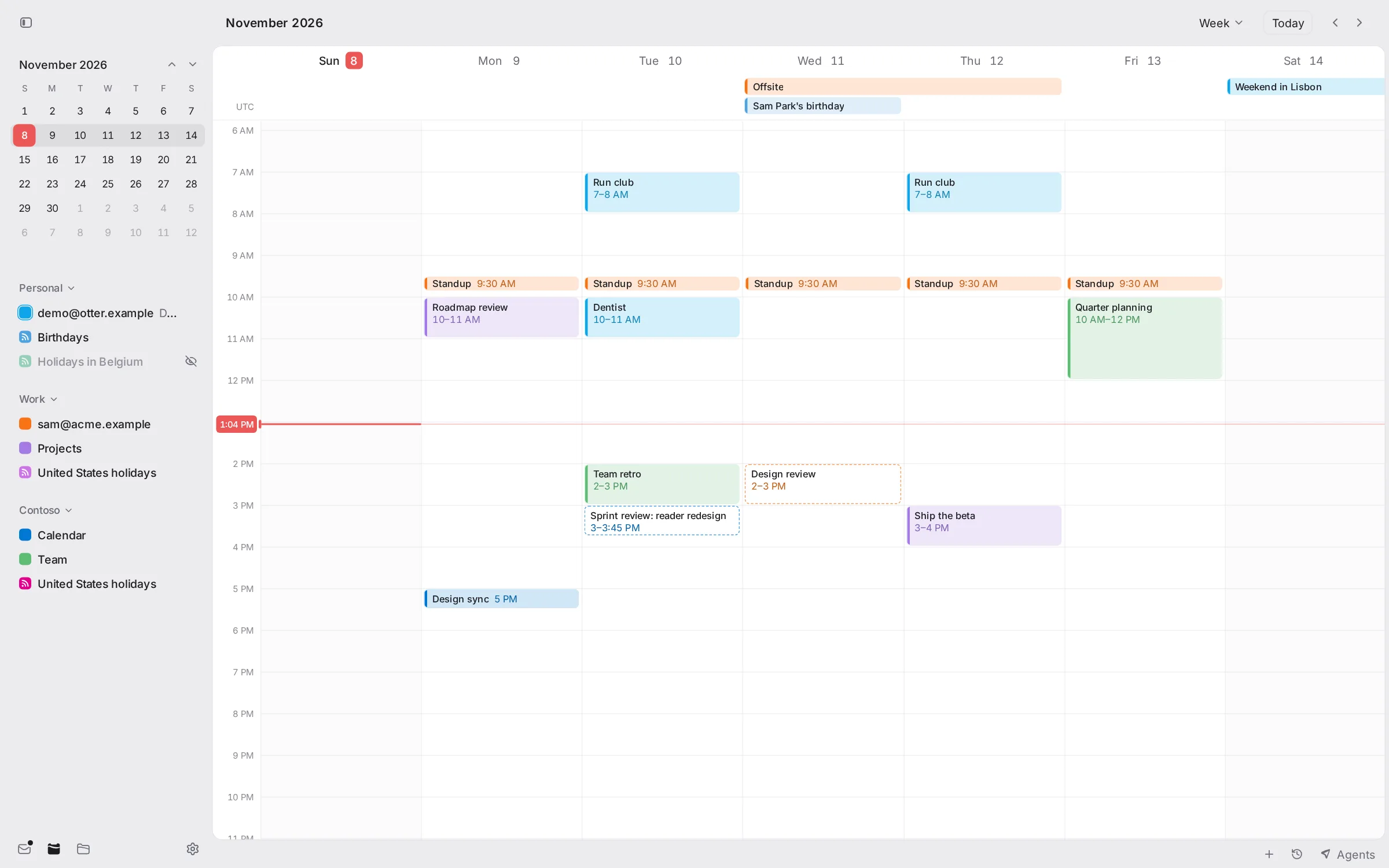
All of them, together
Every Gmail and Outlook mailbox's calendars, birthdays and holidays included. Show or hide each with its eye.
Day, week and month
Scroll sideways day by day, let any day lead the week, and glide back to Today. A mini month keeps your bearings.
Draw it, drag it
Draw a slot to make an event, drag to move it, pull its edge to resize. Title, place and notes edit in place.
Meetings that join
Google Meet, Teams, Zoom and Webex with a Join button, and a Meet or Teams link added to new events in one click.
Answer in place
Yes, No or Maybe, with a note. Repeating invitations ask whether you mean this one or all of them.
Your team, over yours
⌘P lays a teammate's calendar over your own: Outlook shows what they share, Gmail when they're busy.
Made for the keyboard
T for today, D, W and M for the view, J and K to step through it.
Planned with your agents
Your agents list, add, change and answer events with Otter's calendar tools, asking first when you want them to.
Invitations, answered where they land
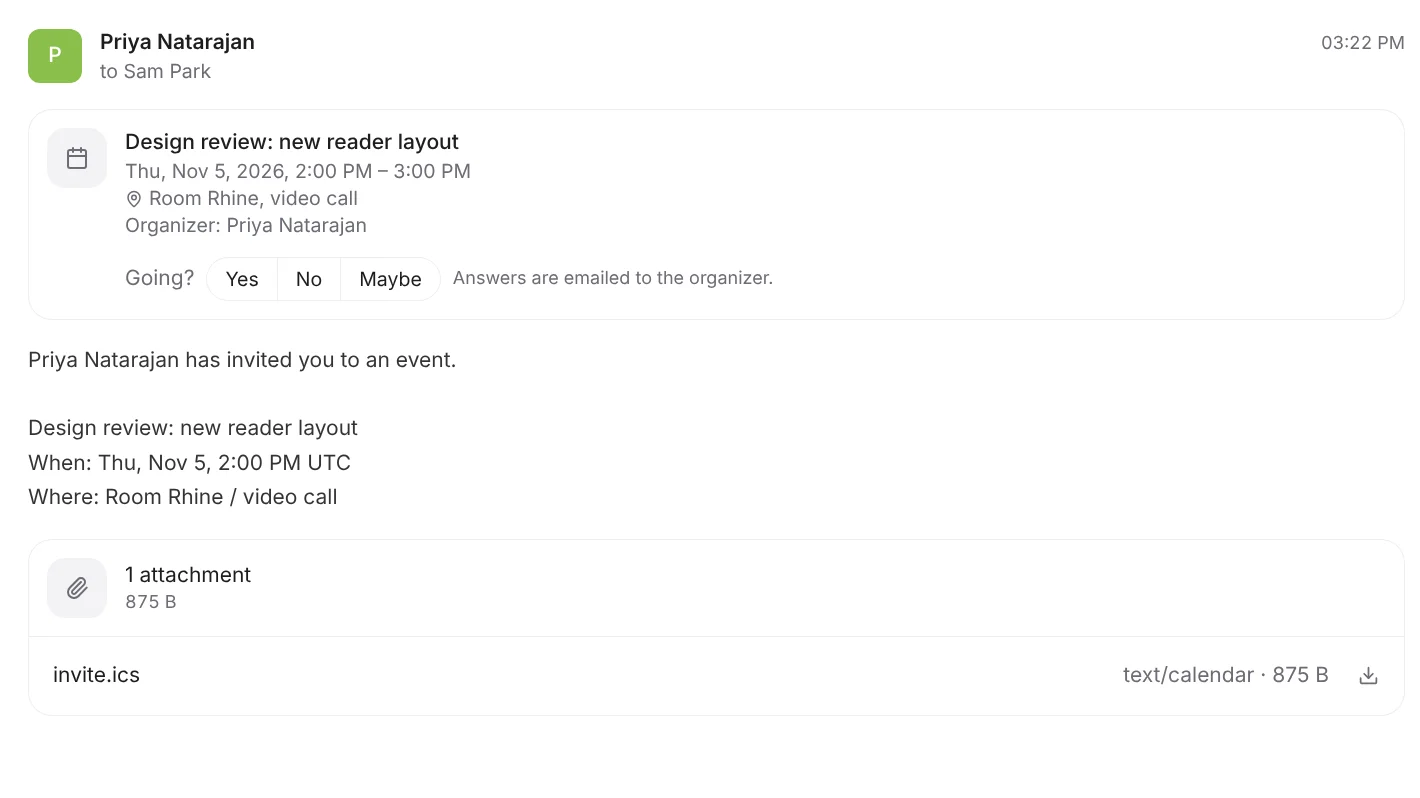
Your calendars come with your mailboxes.
Add a Gmail or Outlook mailbox and its calendars are in Calendar, with your settings following your Otter account to every device.
Plugins In Calendar
- Calendar invitations
Connectors Your calendars
- Google Calendar
- Outlook