
Every version, kept. A drive for the documents you and your agents make: reports, notes and sheets, each with its history, shared with the people who need them.
Open Otter Drive The CLI and agents
HTMLMarkdownCSVExcelImages
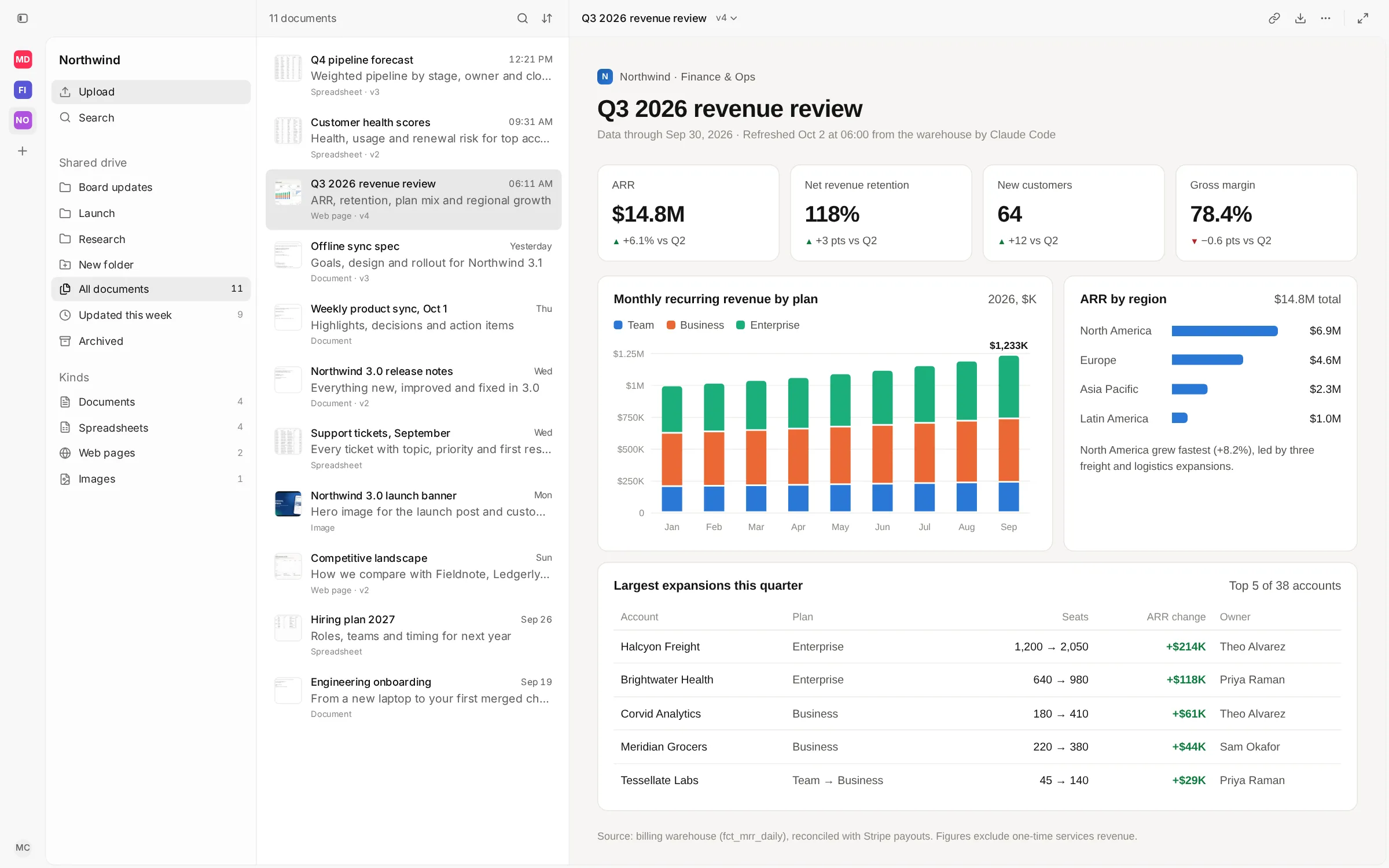
Every version, kept
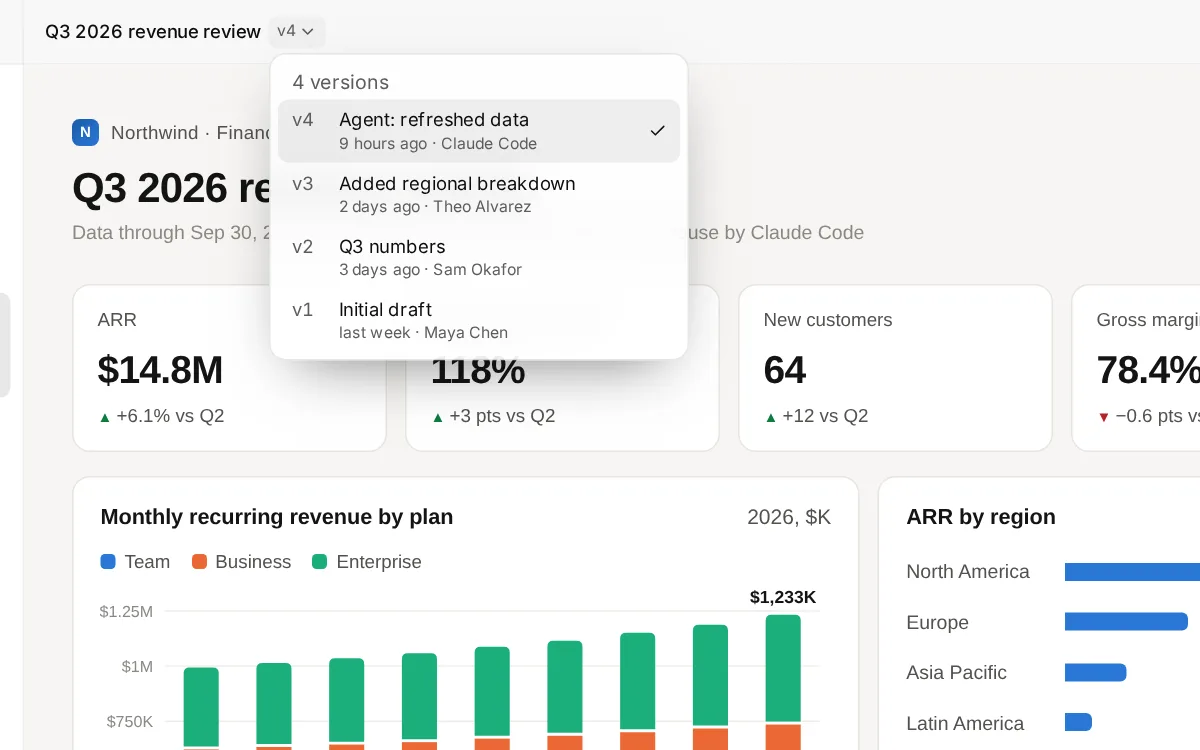
A change is a new version, never an overwrite: with its label, who made it and when. Any one can be made current again.
Made to be read
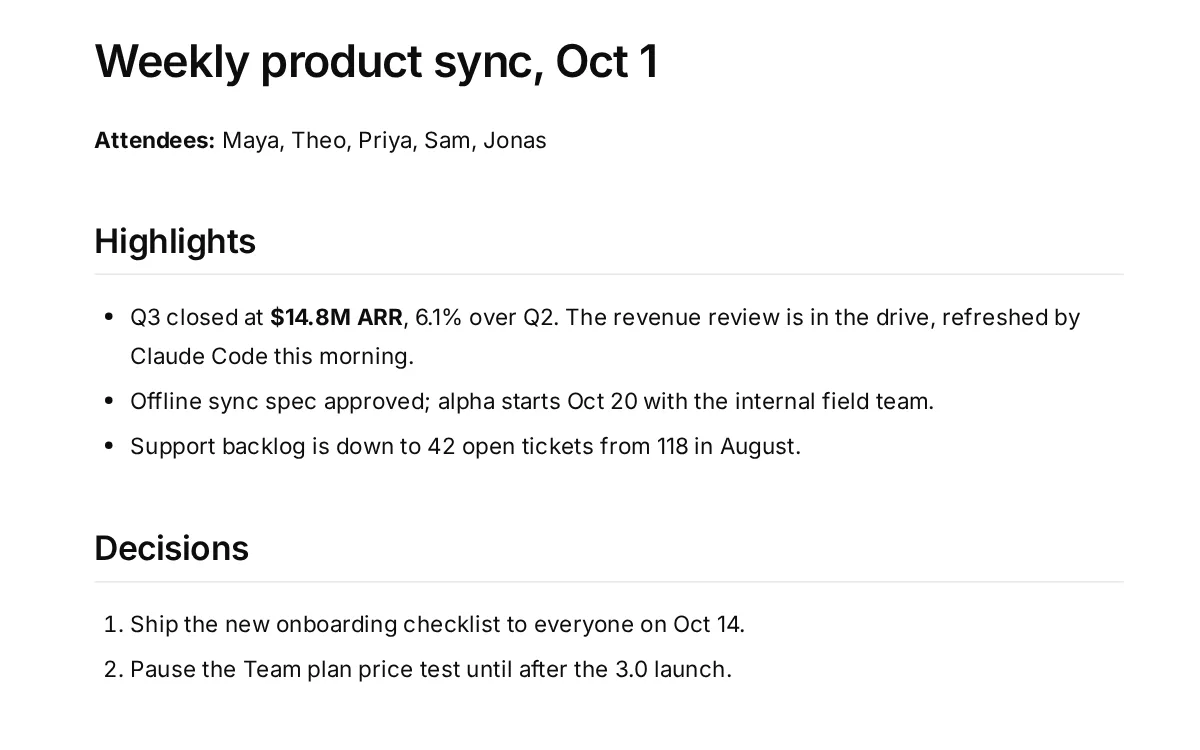
HTML reports, Markdown, CSV, Excel, PDFs and video each open in a viewer made for them, right in the browser.
Edit in place
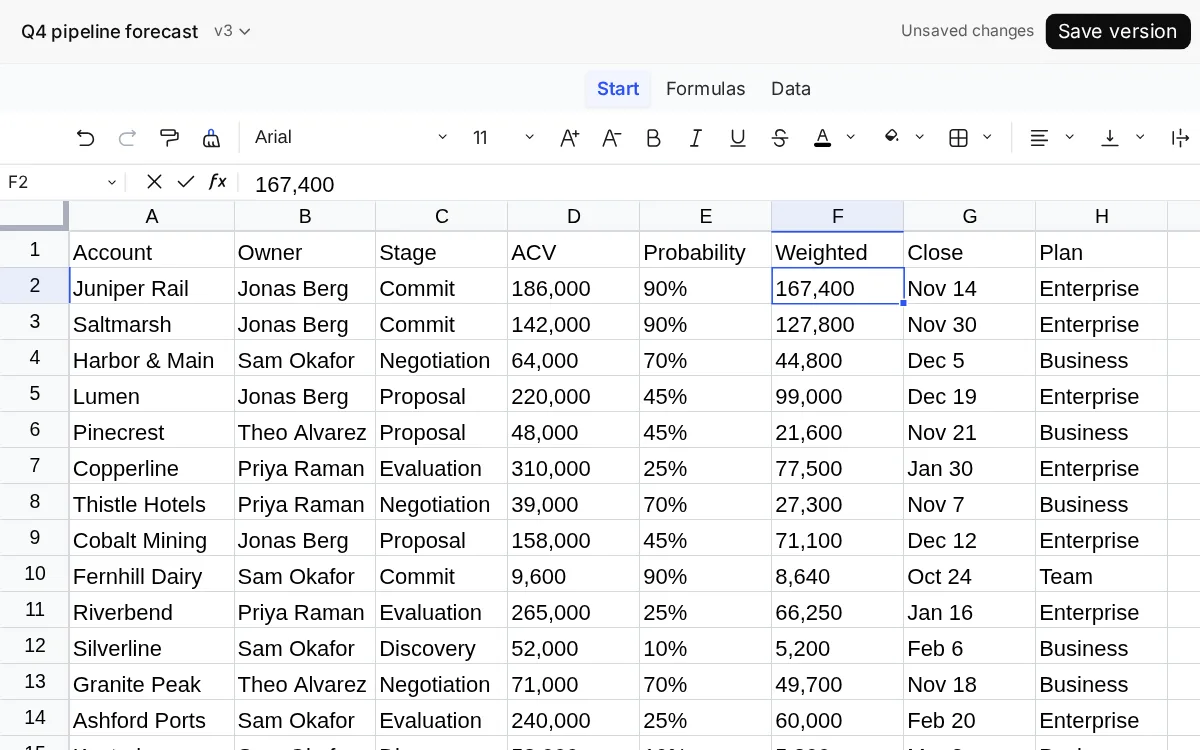
Change a document or a spreadsheet in the browser, and save it as a new version.
Your drive, and the team's
A private drive of your own, and shared drives with folders, where each person can view or edit.
Built for agents
Claude Code, Codex and other agents publish through the CLI and its skill, with keys of their own, and their versions say so.
Find anything
⌘K searches every drive. Drop files or whole folders anywhere in the window to upload them.
Safe to open
Uploaded pages run sandboxed on a separate origin, away from your sign-in, so a report can't act as you.
One Otter account
Sign in with Google, the same account as Otter Mail. Nothing else to set up.
A look inside
From your terminal, and your agents
Install the CLI, sign in once in the browser, and publish a folder or a single file. Give your agent the skill and it does the same: a report it builds becomes a document your team can open, and its next run a new version.
# The CLI (Node.js 24)
npm install --global otterdrive
otterdrive auth login

# Publish a report, then a new version of it
otterdrive artifacts create ./report --slug q3-report --title "Q3 report"
otterdrive artifacts push q3-report ./report --label "Fresh numbers"

# The skill, for Claude Code, Codex and other agents
npx skills@latest add otterware-app/otter-drive --skill otterdrive