
 Over every module of Otter
Bring your agents. Work with them here. The agents you already use, over your mail, calendar and files: you see what they do, answer what they ask, and hand them the next thing.
Download for Mac and Linux Scheduled
Claude CodeCodexOpenClawHermesCursorMCP
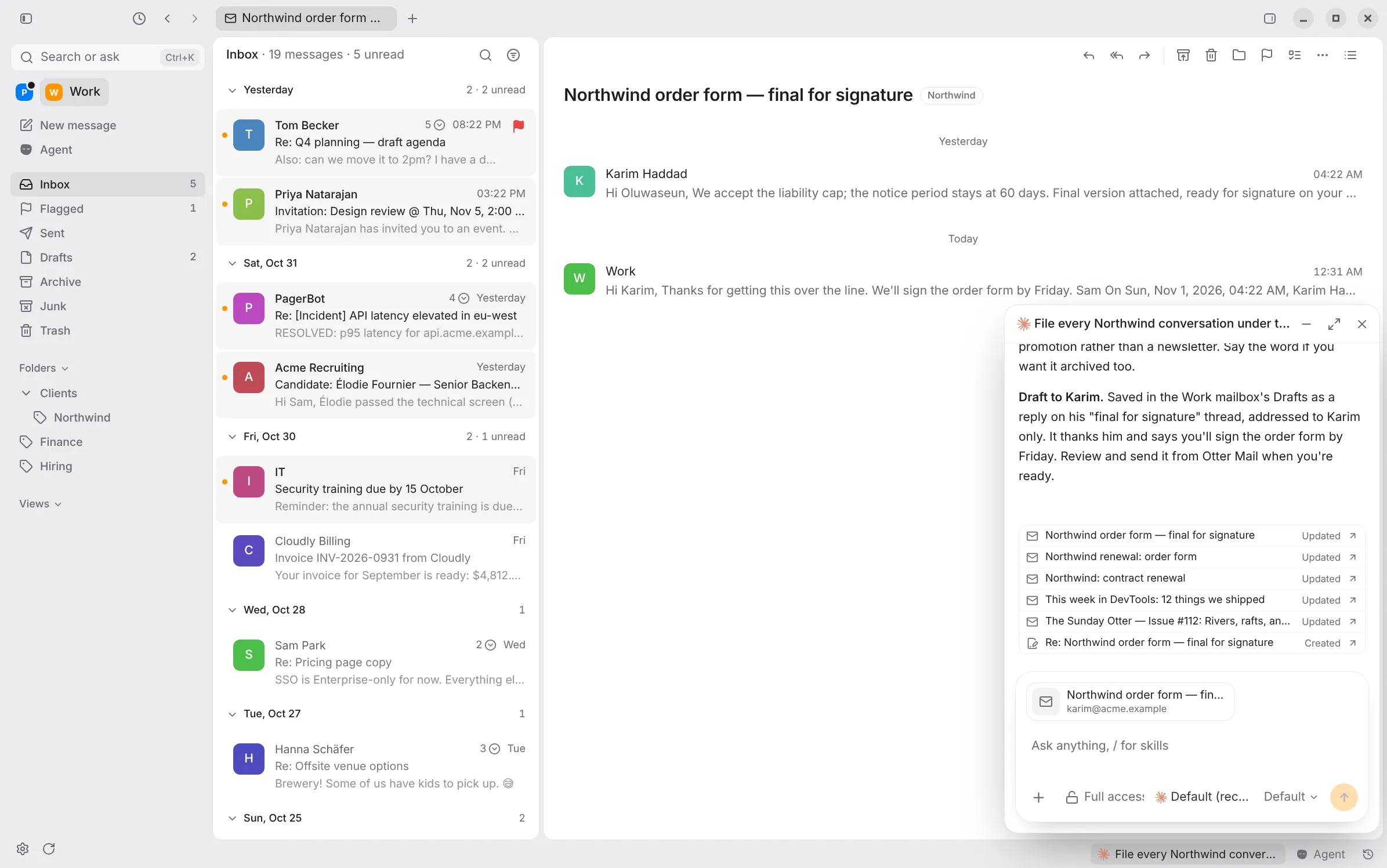
Claude Code and Codex
On your Mac, on your own subscription, with Otter's tools built in: search, read and sort mail, draft and send, plan your calendar.
OpenClaw
Your own gateway, paired once. Watch its browser live, take the wheel, answer what it asks, and fork a chat from any reply.
Hermes
Your Hermes agent, steered mid-run, following your Otter account to every device you sign in on.
Any agent on your Mac
Cursor, a terminal's Claude Code, anything that speaks MCP: Otter's tools with a token, read only, safe or full access.
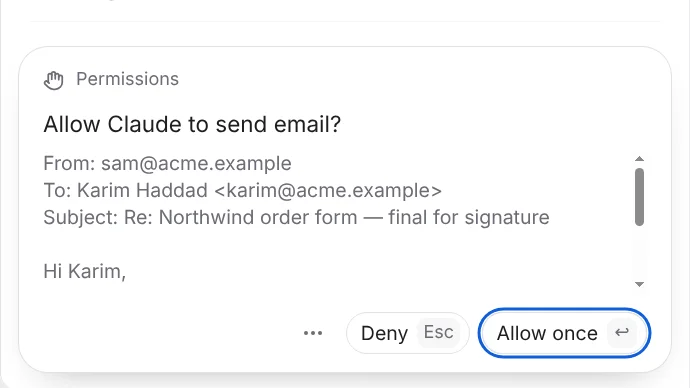
Nothing sent without your yes
Supervised by default: sending, deleting and changing a mailbox ask first. Full access when you trust the job.
Context, not copy-paste
The mail on screen, a selection or a quote is the chat's context. Attach images and files, cite part of a reply.
Tools from plugins
Mail, calendar, themes and views today. Every plugin can bring its own tools, so your agents grow with your Otter.
Asks before it acts
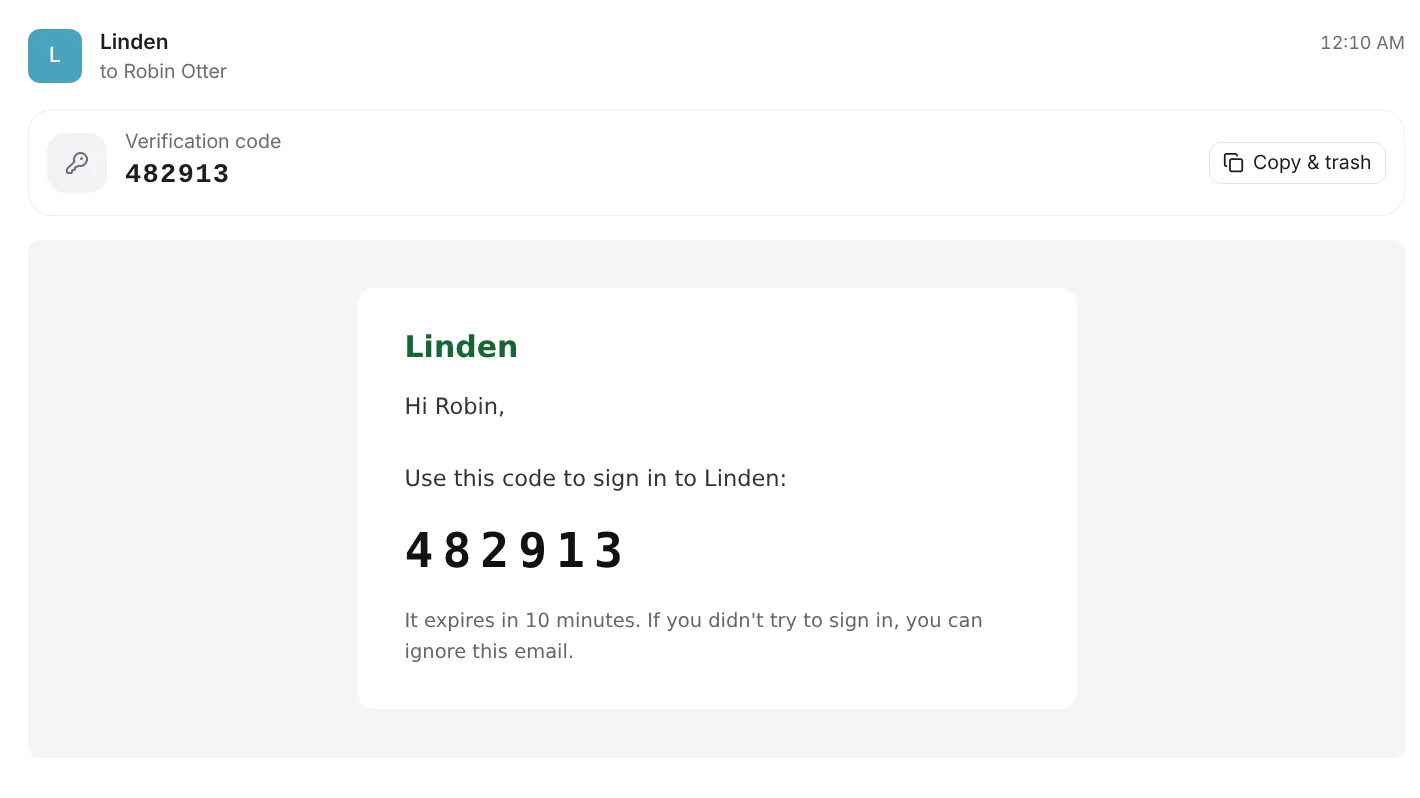
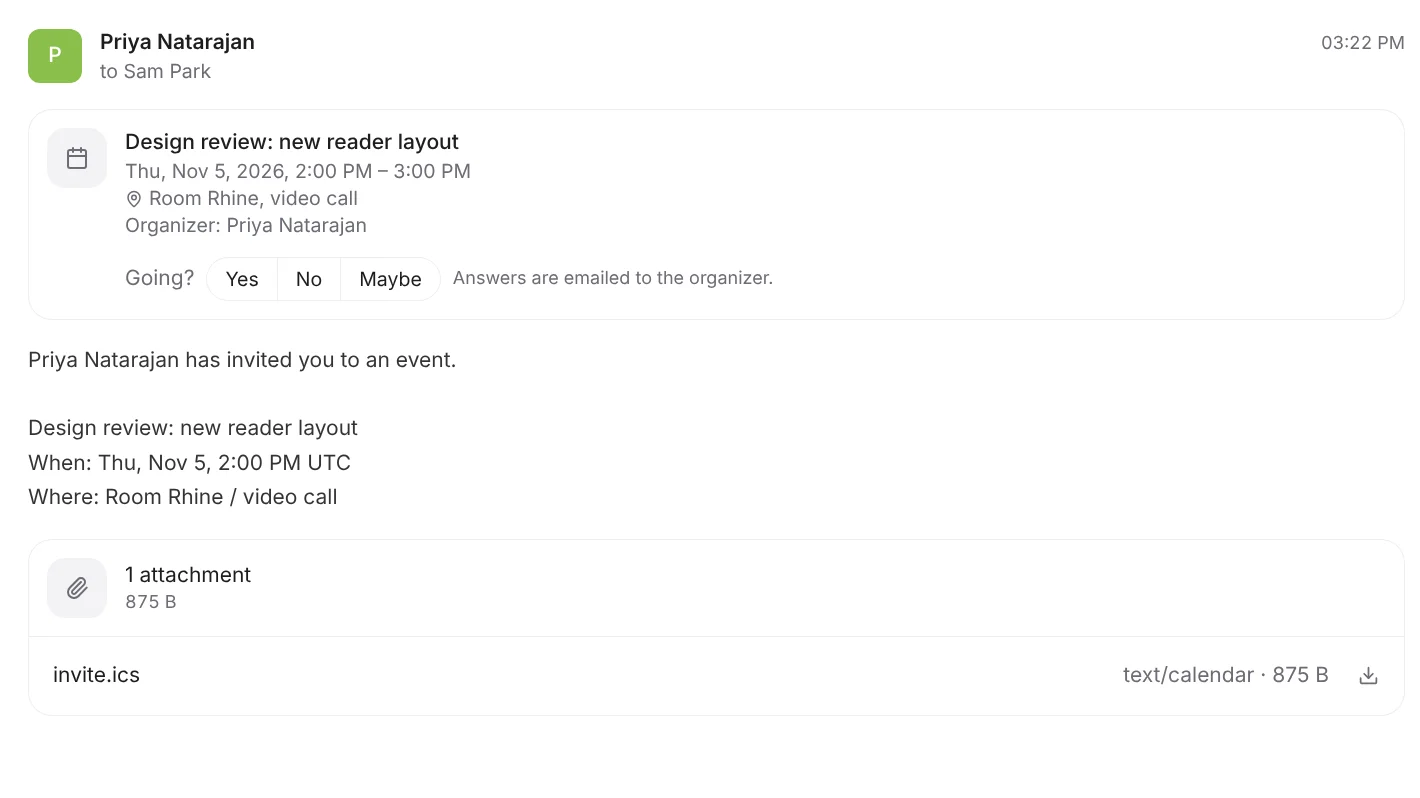
Every chat, a place to work.
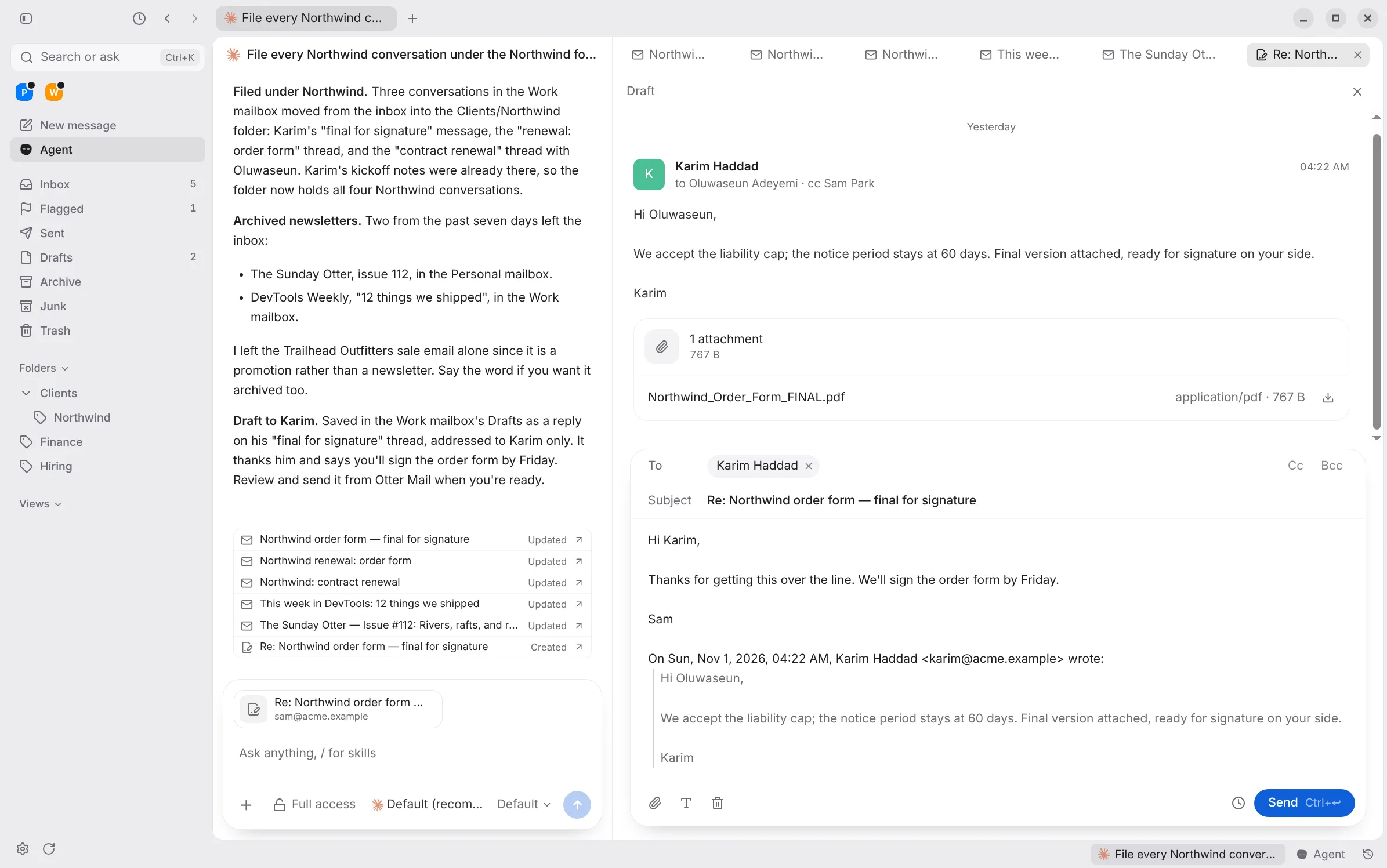
Open a chat as a workspace: the conversation beside everything it read and made, each in a tab, and the tab you're on is the next message's context.
Scheduled
Your agents work while you don't: a morning brief, an inbox sweep at noon, Friday's report, a check on the build. Scheduled is where it all lands.
Each run arrives in its own chat, named for the job and the day, with a notification when it's in, and a header that says what ran it. A run that needs you brings its chat back to the top.
It already works with OpenClaw: install Otter's channel on your gateway, and what a scheduled job announces comes to Otter. A Scheduled view in Agents brings every run, from every agent, into one place.
-
Your Saturday Three emails need you, check-in for Lisbon opens at 2 PM, and the roadmap review moved to Monday.Scheduled · Morning
brief
-
Archived 14 newsletters Kept the two you usually read. Nothing needed a reply.Scheduled · Inbox
sweep
-
Nightly is green again The flaky test was a timeout. I opened a pull request with the fix.Scheduled · Build
watch
-
The Q3 report is ready Published to Otter Drive, with last quarter's beside it for comparison.Sent by Rowan
Your agents, where you run them
Claude Code and Codex run on your Mac; OpenClaw and Hermes on your own gateway, and Otter talks to them directly. Your Otter account keeps your agents, their keys and your chats on our server, so every device shows the same ones. When OpenClaw's channel tells your devices something new has arrived, it carries only which agent and which chat, never the text. Details are in the privacy policy.